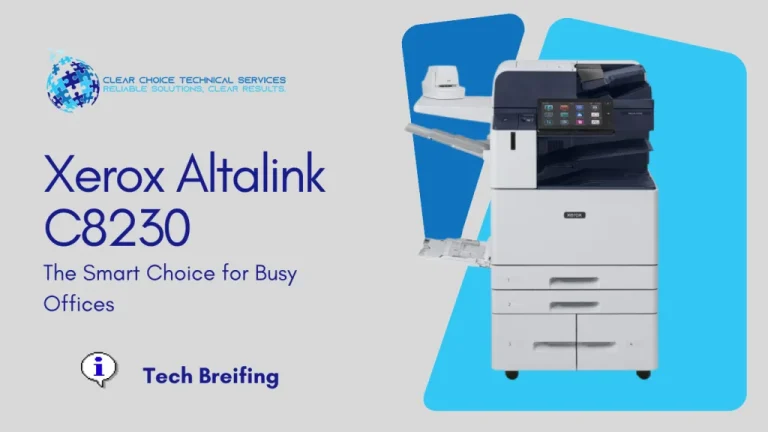
The Rise of Multifunction Printers: Why MFPs Dominate Today’s Office
It is a fact that Multifunction Printers (MFPs) are gaining ground in the office equipment landscape. Just look at the market; these devices clearly predominate over conventional, single-function printers. The ability to print, scan, copy, and fax from a single device is a technology highly valued in any modern work environment, significantly reducing the need for multiple, single-purpose machines.
Key Areas of MFP Innovation and Competition
The strong consumer preference for multifunctional devices pushes companies to invest heavily in innovation. Competition among major brands now focuses on integration, connectivity, and usability.
1. Hardware Design and Usability
Manufacturers are reinventing the physical form factor of MFPs to enhance the user experience:
- Ergonomic Design: Taking cues from Lexmark’s Genesis line, some MFPs now feature vertical designs (like the Genesis line) with scanners inclined around $70^\circ$, making input easier.
- Intuitive Controls: The traditional LCD panel is increasingly being replaced by advanced touchscreen technology, such as the 4.3-inch display on the Lexmark Genesis or the screen found on the HP LaserJet Pro Color CM1415fn, greatly simplifying user interaction.
2. Connectivity and Access
Modern MFPs are built to be communication hubs, not just peripheral devices.
| Connectivity Feature | Benefit to the User |
| Wireless & Ethernet | Allows multiple users to share the device and simplifies setup. |
| Multiple Memory Card Slots | Enables direct printing from sources (e.g., HP Officejet 7500A). |
| USB Ports | Allows printing or scanning to external flash drives without a PC. |
3. Smart Features and Cloud Integration
The biggest leap in MFP technology lies in the ability to operate independently of a dedicated computer.
You can now interact with MFPs to:
- Access Functionality via LCD: Utilize the built-in screen to manage settings, load apps, and initiate jobs.
- Mobile Access: Use dedicated mobile apps to send print jobs directly.
- Cloud Printing: Modern updates (e.g., recent HP models) incorporate support for services like Google Cloud Print service directly from the factory, allowing printing from anywhere.
4. When Single-Function Printers Still Win
While MFPs are ideal for most office and family needs, conventional, single-function printers still serve a specific market.
For those whose printing demand is very short and sporadic, small, economical, but effective devices remain a good option.
Examples include:
- HP Deskjet D1660 (Economical Home Use)
- HP Officejet H470wbt (Portable/Laptop Use)
However, for a family, small, or medium business, having one multifunctional team translates into the confidence to solve a variety of casting needs directly from a single, centralized device.
Request Onsite Repair or a Free Quote:
For immediate onsite repair or to get a free repair quote, please contact our dedicated service line:
- Copier Repair Des Moines Direct Line: (515) 512-4288
- Request a FREE Copier Repair Quote
We offer fast response times, expert technicians trained on all major brands, and a full warranty on all repair work.
While our primary focus is repair, if you are looking to replace your current machine or explore leasing/buying options, please visit our parent company’s site.
- Need a Rental Quote? Request a Rental Quote right now to get started!
- Need a Lease Quote? Request a Lease Quote for contract requirements for more than 1 year.
- Need to Speak to Us? Call us directly at (515) 512-4288
- Learn More: Discover the nationwide excellence of Clear Choice Technical Services.